


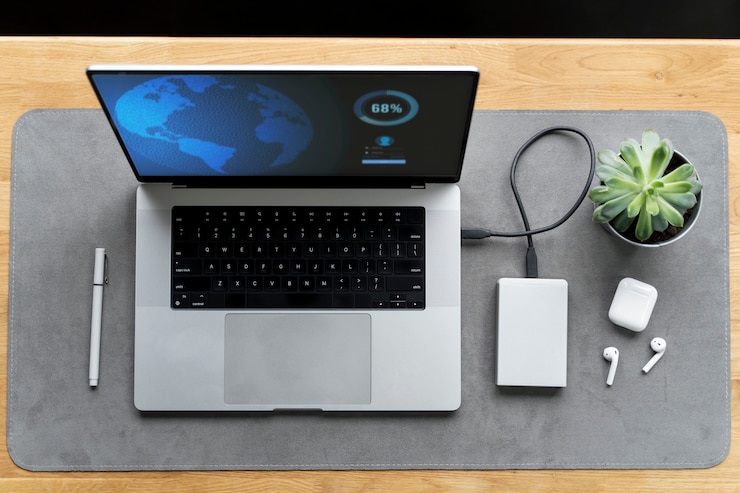
When you invest in an Apple laptop, you’re choosing performance, design, and reliability. But none of that matters if your device runs out of power. That’s why having the right Apple computer laptop charger is essential—not just to keep your MacBook powered, but also to ensure the longevity of your battery and overall system health.
Whether you’re replacing a lost charger or shopping for a backup, understanding your charger’s features, compatibility, and care tips can save you time, money, and frustration.
Why the Right Apple Computer Laptop Charger Matters?
MacBooks are known for their sleek build and high-performance components. But what powers them behind the scenes is just as important. The Apple computer laptop charger is specially designed to work with your MacBook’s hardware. Using a charger that doesn’t meet Apple’s standards can lead to slower charging, overheating, or even long-term battery damage. That’s why it’s important to choose a charger that matches your laptop model and charging needs.
Types of Apple Laptop Chargers
Over the years, Apple has updated its charging systems. Depending on your MacBook model, you may be using one of these:
- MagSafe Chargers
- Used in MacBook Air and MacBook Pro models before 2016
- Magnetic connector that safely detaches if pulled
- Available in MagSafe 1 and MagSafe 2 (slightly different connector shapes)
- USB-C Power Adapters
- Used in most modern MacBook, MacBook Pro, and MacBook Air models (2016 and later)
- Reversible and supports fast charging
- Offers power delivery for other USB-C devices as well
Knowing which charger type is compatible with your device is key. Using the wrong wattage or connector can cause inefficient charging or even prevent your laptop from charging altogether.
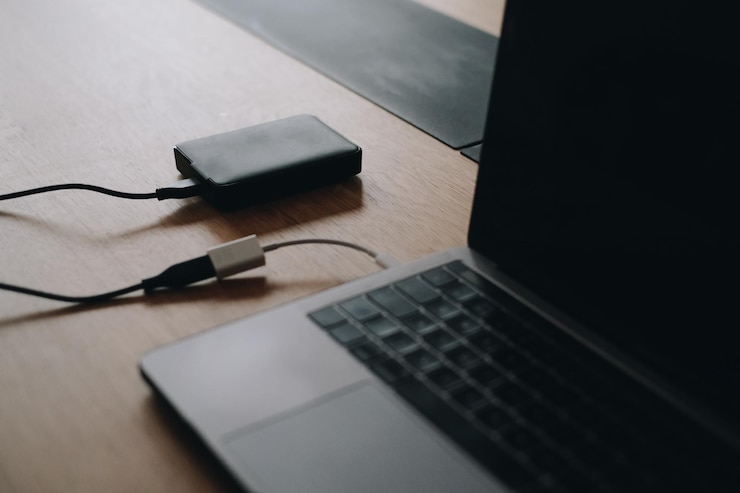
Understanding Wattage and Compatibility
Apple chargers come in different wattages, including 30W, 45W, 61W, 67W, 85W, 96W, and 140W. Using a charger with higher wattage than your MacBook requires is generally safe—it just won’t charge any faster than the maximum allowed by your device. However, using one with lower wattage can cause slower charging or might not work at all.
Choosing an Original vs. Third-Party Charger
You might find cheaper alternatives from third-party brands, but be cautious. Not all third-party chargers meet Apple’s safety and quality standards. While some Apple-certified (MFi-certified) options may work well, unapproved chargers can pose risks like:
- Overheating
- Poor charging speeds
- Shorter battery life
- Fire hazards in extreme cases
For peace of mind and maximum performance, it’s best to stick with genuine Apple chargers or trusted brands that are clearly certified.
Care Tips for Your Apple Laptop Charger
Even the best Apple computer laptop charger won’t last forever if not handled properly. Here are some easy tips to prolong its life:
- Avoid sharp bends in the cable. Use a gentle loop instead.
- Unplug properly by holding the plug—not the cord.
- Keep it cool and away from heat or sunlight.
- Don’t wrap tightly around the adapter. Loosely coil the cable for storage.
- Keep connectors clean and free from dust.
With regular care, your charger can serve you well for years without issues.
Portable Charging Options for Apple Laptops
For users constantly on the move, there are also portable Apple computer laptop charger options available, including:
- Power banks with USB-C PD (Power Delivery)
- Car chargers with high-wattage output
- Dual-port wall chargers that charge your MacBook and phone simultaneously
These options provide flexibility and are perfect for remote work, travel, or emergency situations.
Final Thoughts
A reliable Apple computer laptop charger is just as important as the laptop itself. It ensures that you stay connected, productive, and ready for anything—whether you’re working from a coffee shop or attending a virtual meeting. When purchasing or replacing your charger, always prioritize compatibility, quality, and safety.
Stay powered. Stay productive. Choose the right charger for your Apple laptop and keep your digital life running smoothly.